
Coming soon · Release date TBA
UpdatedMachinarium 2 System Requirements: PC and Mac Guide
Check Machinarium 2 system requirements, including Windows specs, RAM, graphics, and storage. Check your PC and explore Mac support and controller options.
Jump to
Machinarium 2 Minimum PC Requirements
Josef and Berta have a new world to explore, and checking the Machinarium 2 system requirements is the first step toward joining them. The Windows minimum calls for a 64-bit system, a 2 GHz Intel i5 or better, 4 GB of RAM, and a DirectX 11-compatible GPU. Compare the Machinarium 2 system requirements with your computer before planning an upgrade, especially if you play on an older laptop.
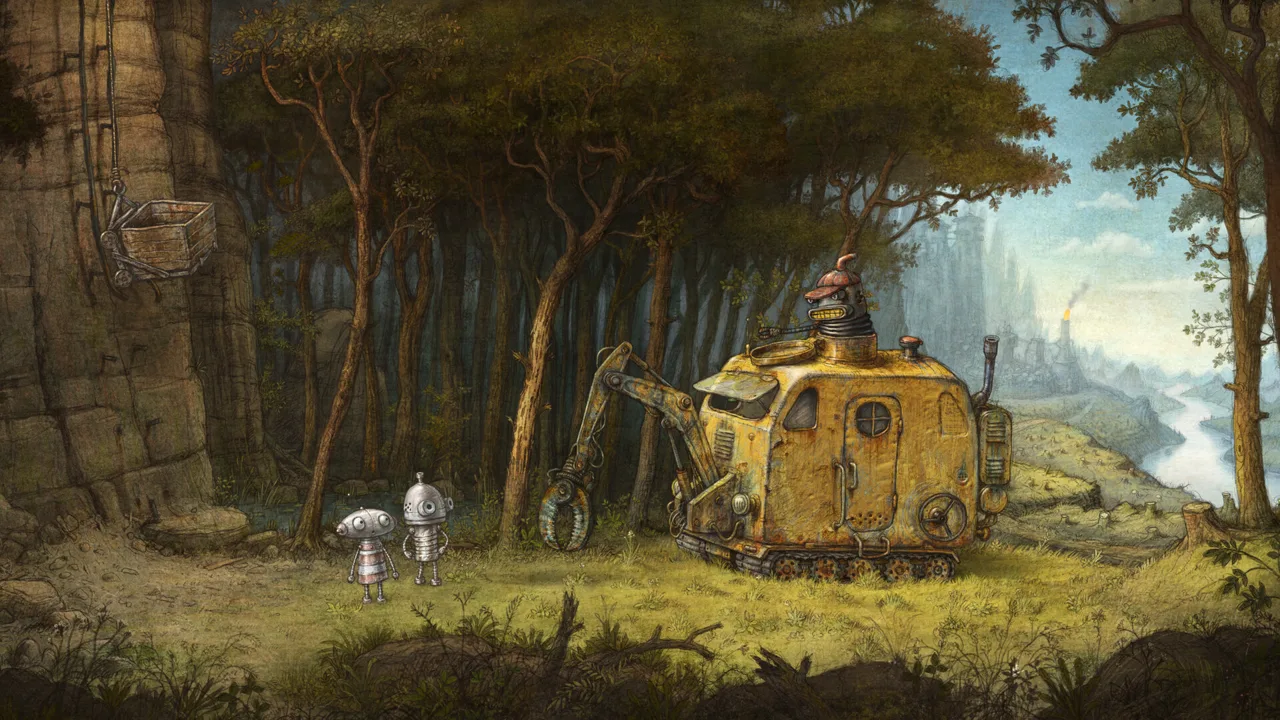
The adventure brings the two robots to a hidden valley where separate communities are running short of power. You control both characters, switching between their abilities to solve puzzles while exploring hand-drawn environments. Before getting into the controls, start with the hardware checklist.
| Component | Windows minimum requirement |
|---|---|
| Processor architecture | 64-bit processor |
| Operating system | Windows 10, 64-bit, or better |
| Processor | 2 GHz Intel i5 or better |
| Memory | 4 GB RAM |
| Graphics | DirectX 11-compatible GPU |
| DirectX | Version 11 |
| Storage | 5 GB of available space |
Read these requirements together. Having enough storage does not replace the processor requirement, and having enough RAM does not replace the graphics requirement. Your computer needs to meet the complete set.
The distinction between installed capacity and available space matters here. The memory requirement refers to your system’s RAM, while the storage requirement refers to room for the game’s files. Keep those checks separate when comparing your machine.
The Machinarium 2 system requirements give you a concrete Windows hardware baseline. Use that baseline to assess your current computer before spending money on replacement parts.
How to Compare Your Computer With the Requirements
Start with the components already in your machine. Match the operating system, processor, memory, graphics hardware, and available storage against the minimum requirements individually.
| What to check | What to compare | Action to take |
|---|---|---|
| Operating system | Windows 10 or better, with a 64-bit OS | Verify both the Windows version and architecture |
| Processor | 2 GHz Intel i5 or better | Compare the processor model and clock speed |
| Memory | 4 GB RAM | Check installed system memory |
| Graphics | DirectX 11-compatible GPU | Check compatibility for your specific graphics hardware |
| Storage | 5 GB available | Reserve enough room for the game files |
Check the Processor Model Alongside Its Speed
The CPU requirement includes both an Intel i5 designation and a 2 GHz clock speed. Keep both parts in your comparison rather than reducing the requirement to a single frequency.
If you are shopping for a computer, ask for the exact processor model. A description such as “Intel processor” is too broad for a useful comparison with the stated requirement.
For an existing computer, identify the CPU before deciding it needs replacing. Focus on the actual hardware rather than the machine’s age, appearance, or gaming branding.
Separate RAM From Storage
Machinarium 2 requires 4 GB of RAM and 5 GB of available storage. Those figures describe different resources, so neither can stand in for the other.
Compare installed memory with the RAM minimum. Then check available drive space against the storage requirement. A computer with a large drive still needs enough memory, and a computer with sufficient memory still needs room for the installation.
Reserve at least the required 5 GB before installing. If you need to free space, review your own files and installed games before removing anything.
Check DirectX Compatibility
The graphics requirement is a DirectX 11-compatible GPU, with DirectX version 11 also included in the minimum specifications.
Check your specific GPU’s compatibility before making a purchasing decision. Avoid judging graphics support from labels such as “laptop graphics” or “gaming graphics”; compare the hardware itself with the requirement.
Keep the hand-drawn art style separate from your hardware assessment. Machinarium 2’s illustrated environments explain its visual character, while the graphics requirement gives you the technical detail to check.
When reviewing the Machinarium 2 system requirements, finish the comparison across every component before deciding which part of your setup needs attention.
Windows, Mac, and Linux Support
Machinarium 2 supports Windows and Mac as desktop platforms. Native Linux support is marked as unavailable.
| Desktop platform | Support status | Requirement information covered here |
|---|---|---|
| Windows | Supported | Windows OS, processor, RAM, graphics, DirectX, and storage minimums |
| Mac | Supported | Mac platform support |
| Linux | Native support unavailable | Windows and Mac are the supported desktop platforms |
Keep the Windows specification table attached to Windows. Its operating system and DirectX requirements belong to that version of the game.
For a Mac purchase, check the Mac system requirements on the Machinarium 2 Steam page before choosing your machine. Compare requirements for the platform you intend to use, especially when moving between computers.
The same principle applies when helping someone else prepare. Identify their operating system first, then discuss the relevant version. Sending a Windows hardware checklist to a Mac player does not answer the same compatibility question.
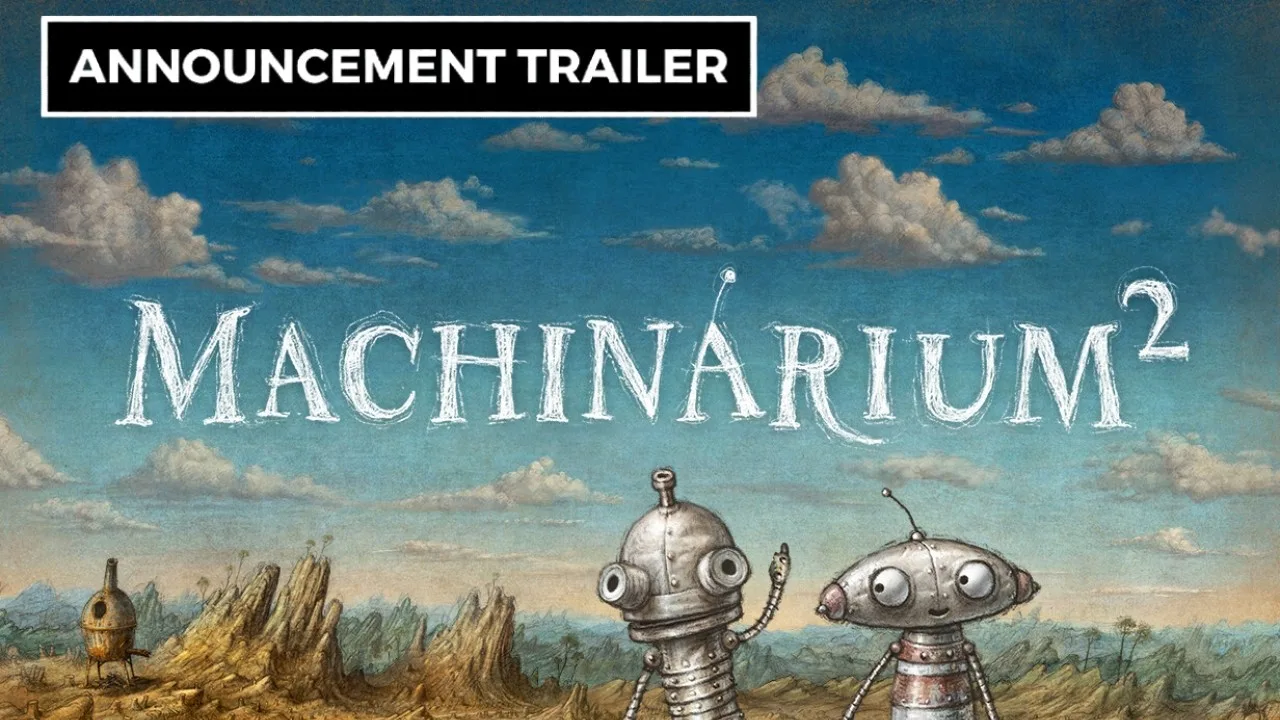
Machinarium 2’s release date is to be announced. You can wishlist the game on Steam while preparing your setup.
If you are considering buying hardware specifically for this adventure, start by comparing the computer you already own with the Machinarium 2 system requirements. Keep any upgrade decision tied to a particular requirement rather than buying a new machine simply because a sequel is coming.
Controller Support, Mouse Controls, and Accessibility
Your input choice matters alongside hardware compatibility when reviewing the Machinarium 2 system requirements. Machinarium 2 supports both gamepad and mouse controls, and the gamepad option lets you move Josef and Berta directly.
Mouse controls provide the classic adventure-game feel. You can choose that approach if you want to explore and interact through a cursor.
| Feature | Supported behavior |
|---|---|
| Gamepad controls | Direct movement of Josef and Berta |
| Mouse controls | Classic adventure-style interaction |
| Controller support | Full controller support, including DualShock and DualSense |
| Character switching | Switch between Josef and Berta freely |
| Player mode | Single-player |
The two playable robots are part of one single-player adventure. Switching between them gives you access to their individual abilities, which work together in puzzles neither character could solve alone.
When a puzzle calls for a different ability, switch characters and reconsider the situation from the other robot’s perspective. Build your solution around what each character can contribute rather than expecting one robot to handle every interaction.
Gamepad movement also changes how you navigate the world. Instead of moving a cursor between yourself and the characters, you control their movement directly. Choose your input method based on the interaction style you want.
The game also includes several features that suit a relaxed puzzle session:
- Play at your own pace.
- Complete interactions without timed input.
- Save at any time.
- Use the mouse-only option.
- Use supported DualShock or DualSense controllers.
These features are relevant when planning how you will play, particularly if you prefer deliberate exploration over quick reactions. The hardware checklist tells you what the Windows version requires; the control options help you choose how to engage with its puzzles.
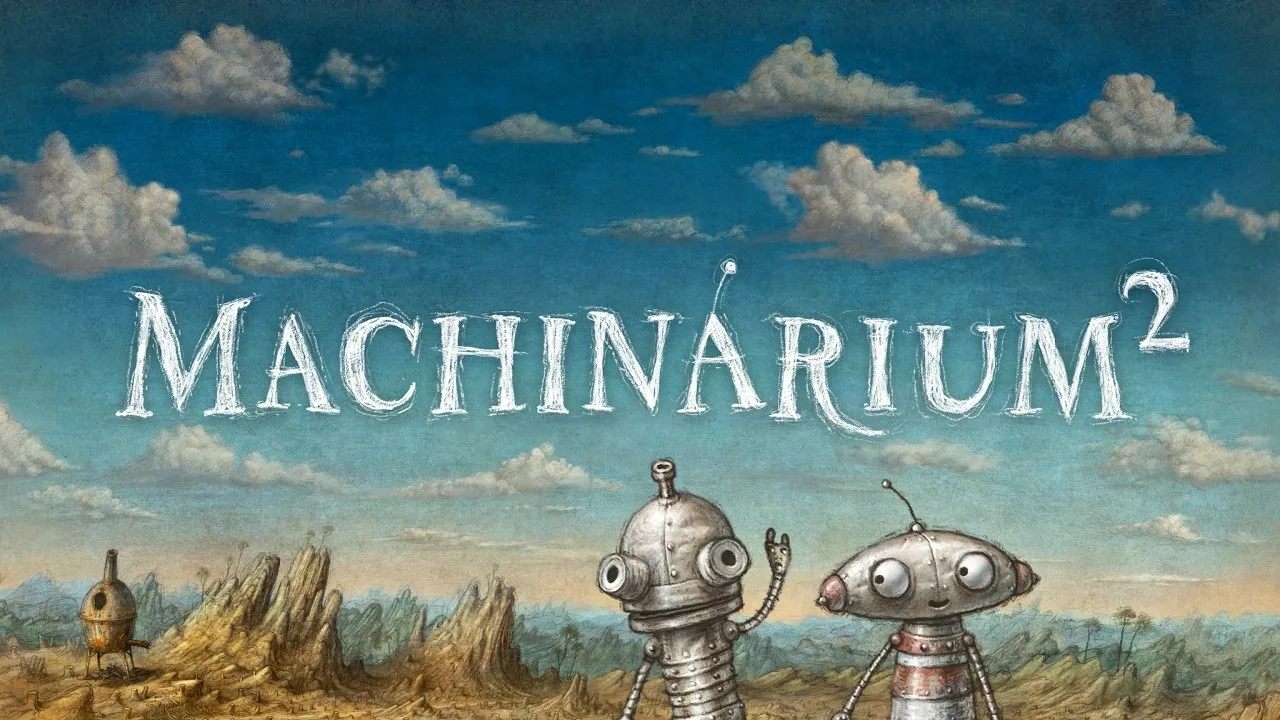
Wordless storytelling remains central to the adventure. Robots communicate through animated thoughts, gestures, and symbols, so pay attention to their expressions and visual responses as you explore.
Prepare for Josef and Berta’s New Adventure
Once you have compared the Machinarium 2 system requirements with your computer, turn to the experience you are preparing for.
Josef and Berta begin this chapter after escaping the city of Machinarium. Their search for a new home leads them through the barrens and into a lush valley occupied by two unusual robot tribes. One community lives high among the rocks, while another occupies the city below. Both face a dwindling power supply.
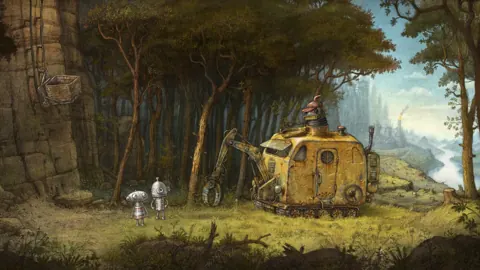
The adventure takes you to the Elektrona monastery, the city of Oilton, and the surrounding landscape. Its environments are drawn by hand, with an artistic direction influenced by old master drawings and Renaissance landscapes.
That visual detail extends to the robots themselves. Their animation and expressions carry the storytelling alongside the symbols and gestures used in conversation. Watch those reactions closely when working through an interaction.
Tomáš Dvořák, also known as Floex, returns as composer. The music combines the original game’s robot-world textures with symphonic arrangements and touches of Renaissance influence.
For your own preparation, keep the checklist focused:
- Compare your Windows computer with every minimum specification.
- Reserve the required 5 GB of available storage.
- Check the requirements for your intended desktop platform.
- Choose between direct gamepad movement and mouse interaction.
- Wishlist the game if you want to follow its release.
Save whenever you want to pause, and use the game’s support for play without timed input to take your time with a puzzle. Look at both characters’ abilities before settling on a solution.
Steam achievements and Steam Cloud are also supported. Those features sit alongside the core single-player adventure, while Josef and Berta’s complementary abilities remain the center of puzzle solving.
You can wishlist Machinarium 2 on Steam or explore Machinarium 2 on Amanita Design’s official website. Keep your hardware comparison handy when you are ready to install.
FAQ
What are the minimum Machinarium 2 system requirements?
The Windows minimum requires a 64-bit processor and operating system, Windows 10 64-bit or better, a 2 GHz Intel i5 or better, 4 GB RAM, a DirectX 11-compatible GPU, DirectX version 11, and 5 GB of available storage. Compare all of these components with your computer.
How much RAM and storage does Machinarium 2 need?
The Windows minimum is 4 GB of RAM and 5 GB of available storage. RAM and storage are separate requirements: check installed system memory for the former and free drive space for the latter.
Is Machinarium 2 available for Mac and Linux?
Machinarium 2 supports Mac and Windows. Native Linux support is marked as unavailable. Use the requirements for your chosen platform when comparing hardware, and check the Mac requirements before planning a Mac installation.
Can I play Machinarium 2 with a controller?
Yes. Machinarium 2 has full controller support, including DualShock and DualSense support. Gamepad controls let you move Josef and Berta directly, while mouse controls offer classic adventure-style interaction. Both characters are controlled by one player, with free switching between them.
Popular pages

Machinarium 2 Release: Date, Platforms, and Gameplay
Track the Machinarium 2 release, explore Josef and Berta's new adventure, check Windows and Mac support, and get ready for puzzles built around two robots.
Machinarium 2 Characters: Meet Josef, Berta, and More
Explore Machinarium 2 characters, from playable Josef and Berta to the robots of Elektrona and Oilton. Learn how their partnership shapes the adventure.
Join the community
Official channels for news, updates and player help: